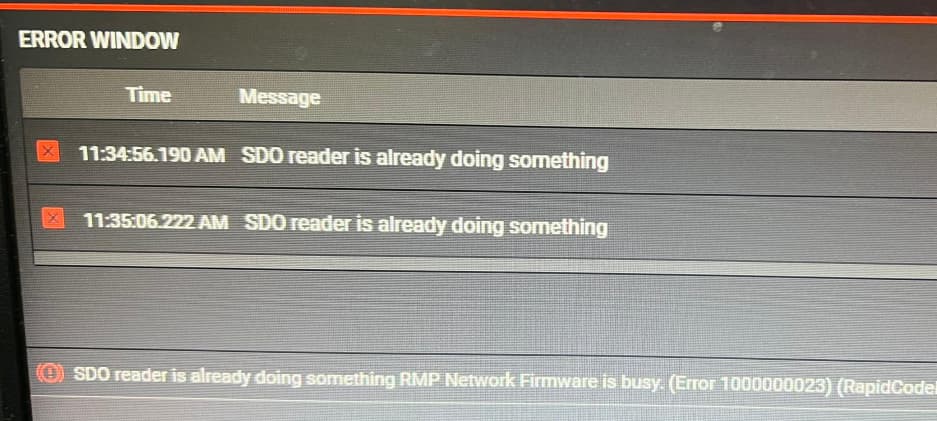
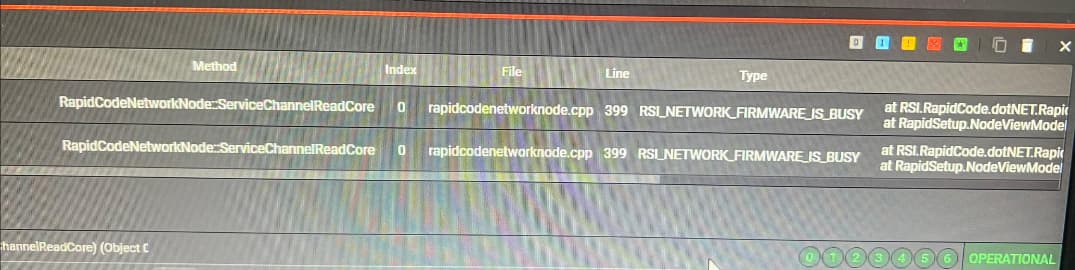
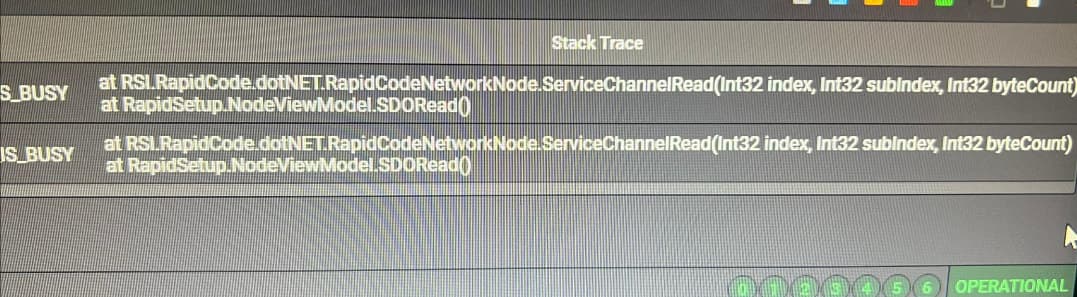
We are currently encountering an intermittent issue while performing SDO Read/Write operations on a Hiwin driver using RSI controller.
The Issue:
Initial Status: SDO read/write operations to the manufacturer addresses work normally at first.
Symptoms: After a period of time, the SDO operations stop working entirely and throw the error: RSI_NETWORK_FIRMWARE_IS_BUSY (screenshot attached below). Once this happens, all further SDO communication is blocked.
Temporary Workaround: Restarting the RSI program temporarily resolves the issue and allows the SDO to work again, but the error eventually returns.
My Questions:
What are the possible factors or root causes that lead to the RSI_NETWORK_FIRMWARE_IS_BUSY error?
Could this error be related to a memory issue or a buffer/mailbox overflow in the firmware? We suspect that shutting down the program flushes the accumulated or incomplete buffers from memory, which explains why the block clears upon restart.
Are there any recommended configurations, options, or methods to prevent or handle this issue without restarting the application?
Any advice or insights would be highly appreciated. Thank you in advance.
Getting the busy error happens for a couple of reasons.
Flooding requests to a Node for SDO reads/writes. (Case 1)
A Node fails to respond to the Read/Write. (Case 2)
The Service Channel is hung. (Case 3)
Whenever you do a Read or Write, we lock down that node’s read/write channel until we’ve had a response from the node. If you make a call to the node before it can respond you will get an error. If we never get a response from a node, it will stay locked. Finally and unlikely if the service channel thread is hung, you can’t read or write to any node.
To determine which case you in:
Wait and try again. Works → Case 1.
Try another node or try to (Read/Write) instead of (Write/Read). Works → Case 2.
NetworkShutdown, then NetworkStart. Works → Case 3.
If you still aren’t working, then I think something is wrong with the mailbox of the EtherCAT Node, I’d try power cycling it.
I would recommend that you use ClearFaults on an Axis if it is in error before using ServiceChannelRead/Write. We will often use the service channel to ask why an Axis is in error which could cause this busy error.
RMP 11.1.1 adds diagnostics that can help find the cause. NetworkNode status now reports SDO read and write request counts and failure counts. You can also record NetworkStatus and NodeStatus values.
Record these values before and after the busy error starts. The data shows if requests fail or if they wait in a queue. This does not change how the firmware handles a busy service channel.